Employee Advocacy
Adding useful context in comments
Learn how to add a useful condition, distinction or question to a professional comment without overclaiming or changing the subject.

Section
Employee Advocacy
Learn how to add a useful condition, distinction or question to a professional comment without overclaiming or changing the subject.
Employee Advocacy
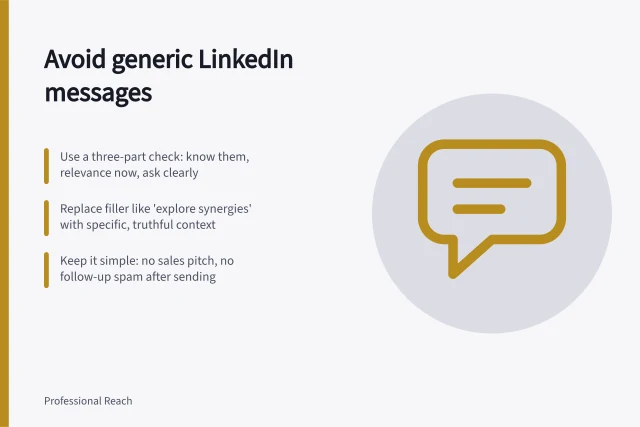
Write a short, truthful connection note that explains your shared professional context without a disguised sales pitch.
Employee Advocacy
Decide when a LinkedIn connection is appropriate, explain the real context and keep the relationship useful after acceptance.
Employee Advocacy
Get usable practitioner input with focused prompts, clear notes and a meaning check before drafting a B2B social post.
Employee Advocacy
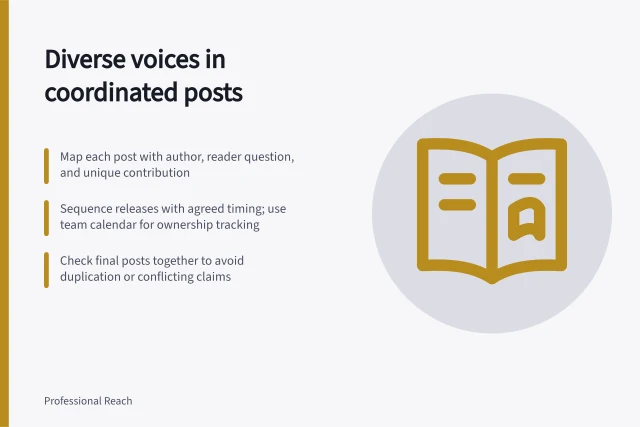
Plan related Page and employee posts with distinct reader questions, shared facts and clear timing while keeping each willing author's own voice.
Employee Advocacy
Verify an error, choose an edit or replacement, and make a material correction clear to readers.
Employee Advocacy
Plan employee advocacy around willing contributors, accurate company facts and useful audience responses without turning personal profiles into posting targets.
Employee Advocacy
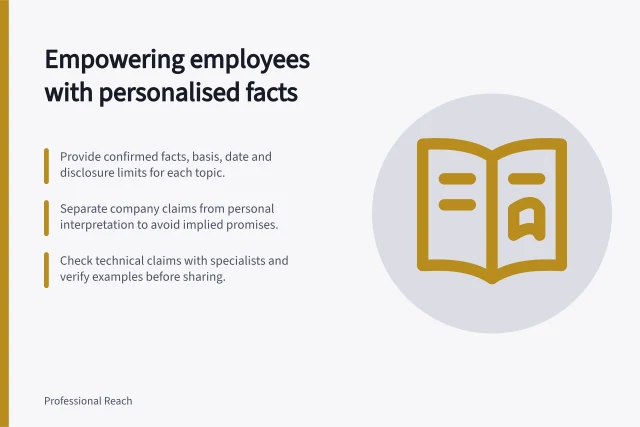
Create concise, verified fact cards with conditions and disclosure limits so employees can share informed views in their own words.
Employee Advocacy
Invite employees to contribute expertise voluntarily, offer choices beyond posting, and keep personal profiles free of repost targets.
Employee Advocacy
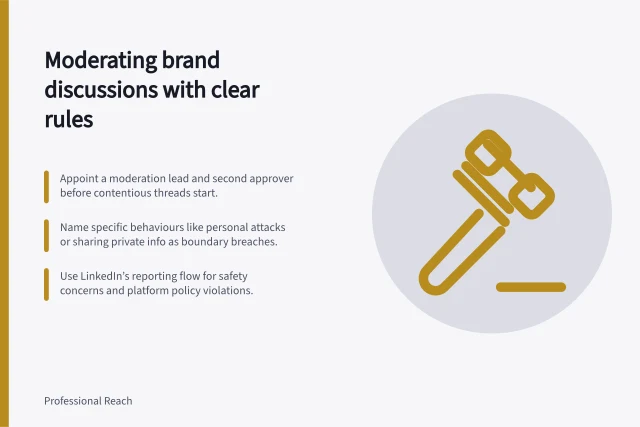
Set fair discussion rules, distinguish criticism from abuse, and choose the right LinkedIn comment controls for a brand thread.
Employee Advocacy
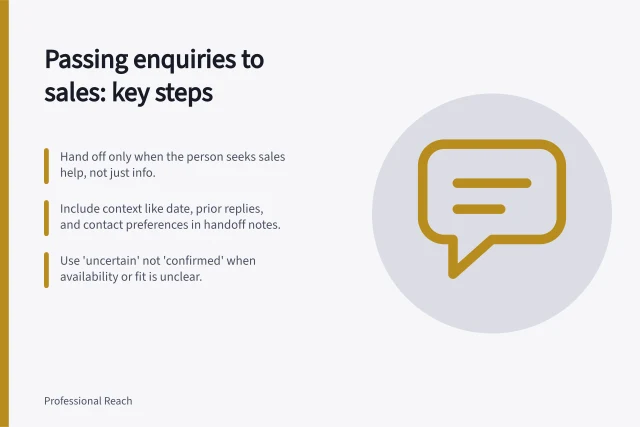
Decide when a social enquiry belongs with sales, pass the context needed to answer it and close the loop with the person.
Employee Advocacy
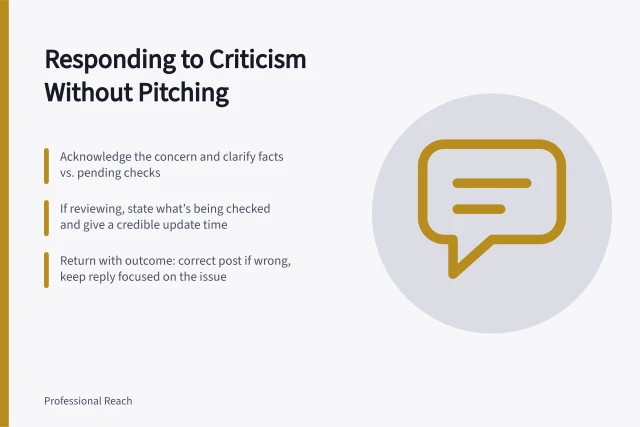
Address criticism in a professional social discussion with a specific answer, clear limits and a useful follow-up instead of a sales pitch.