Employee Advocacy
Part of Professional social community interaction
Moderating a brand discussion with clear boundaries
Set fair discussion rules, distinguish criticism from abuse, and choose the right LinkedIn comment controls for a brand thread.
Set conduct rules that apply equally to supporters and critics, while leaving room for substantive disagreement. Name the behaviour that crosses a boundary and the action moderators may take.
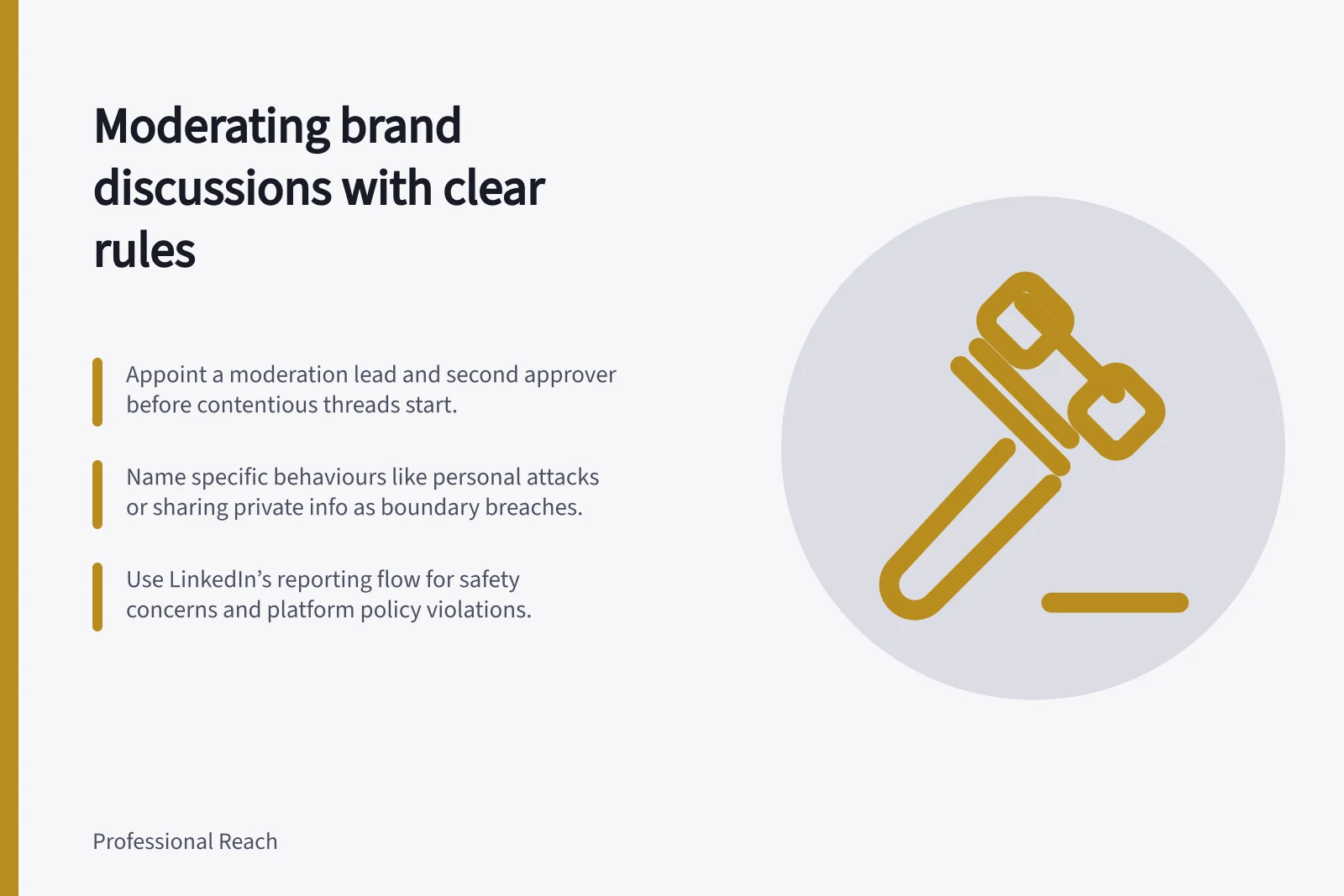
Before a difficult thread starts, appoint a moderation lead authorised to apply the rules, remove or hide comments, or pause discussion. Name a second approver to review disputed decisions.
Describe conduct people can recognise
Rules should name observable behaviour, such as personal attacks, sharing another person's private information, repeated disruption or spam, and explain the possible response. For example: “We welcome disagreement about the proposal. Comments attacking individuals or sharing private details may be removed.”
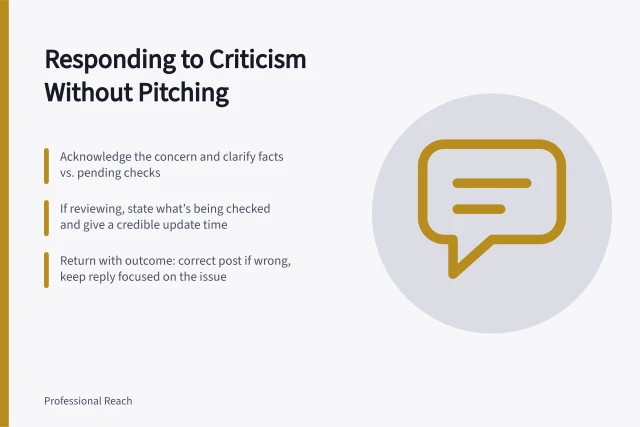
Apply the same rule regardless of the commenter’s position. A supportive comment that reveals private information crosses the boundary; a critical comment that stays on the subject should remain open to an answer.
Use LinkedIn’s Professional Community Policies as the platform policy reference. For content or safety concerns, use LinkedIn’s Report inappropriate content, messages, or safety concerns reporting flow.
Match the action to the problem
| Situation | Response to consider |
|---|---|
| Relevant criticism or a difficult question | Keep it visible and arrange a factual reply. |
| Off-topic promotion or repeated disruption | Point to the rule; remove content if the stated boundary is breached. |
| Personal abuse or exposed private information | Protect participants, remove content you control and consider reporting a platform violation. |
| A thread that cannot be supervised safely for now | Pause new comments using an available account control and review the decision later. |
Check context before acting. An excerpt can misrepresent a firm but legitimate reply; a series of individually mild comments can also become disruptive.
LinkedIn names separate actions: Hide comments in LinkedIn posts and Delete comments in your LinkedIn feed. Choose the action available for the account and post, and record the reason; do not treat Hide and Delete as interchangeable.
Check the account's controls
LinkedIn’s Turn off and limit comments on posts guidance is separate from Turn off comments on an existing LinkedIn Page post. Check whether the discussion is on a member’s feed or a Page post before choosing a control.
Turning off comments also stops useful contributions. Consider it when participants cannot be protected or urgent claims cannot be checked in time, then review the setting once the immediate problem has been handled.
Key LinkedIn Moderation Actions and Controls
- Hide commentsAvailable on member and Page posts; use when content violates rules but not necessarily abusive
- Delete commentsUse only when content is clearly harmful or violates policies; not interchangeable with 'hide'
- Turn off commentsUse cautiously—stops all contributions, including useful ones
- Pause commentsTemporarily halt new comments for safety or supervision issues
Hand over decisions clearly
Give the moderation lead authority to decide on removals or a pause, and send disputed decisions to the named second approver. Record the post, conduct, rule, action, decision-maker and any promised follow-up in a moderation log.
If content appears to breach LinkedIn’s policies or raises a safety concern, use LinkedIn’s reporting flow as well as applying the brand’s conduct rules. Pass factual criticism to the person who can answer it.