Employee Advocacy
Part of Professional social community interaction
Correcting an inaccurate post transparently
Verify an error, choose an edit or replacement, and make a material correction clear to readers.
When a professional post is inaccurate, make the correct information visible and explain any material change. Check what was wrong and what the evidence supports before choosing an edit, a clarification or a replacement post.
Pin down the error
Compare the published claim with its source, and check any date, condition or exception that matters. Separate a factual mistake from wording that could be read more than one way. If the right answer is still uncertain, do not replace one unsupported statement with another. Where readers may act on the claim, say it is under review while you check.
State the correction plainly for your own decision: what did the post say, what is supported now, and under which conditions? A typo may need only a text fix. A wrong figure, omitted limit or misleading description of an offer needs an explanation because people may have seen the earlier version.
Choose a visible route
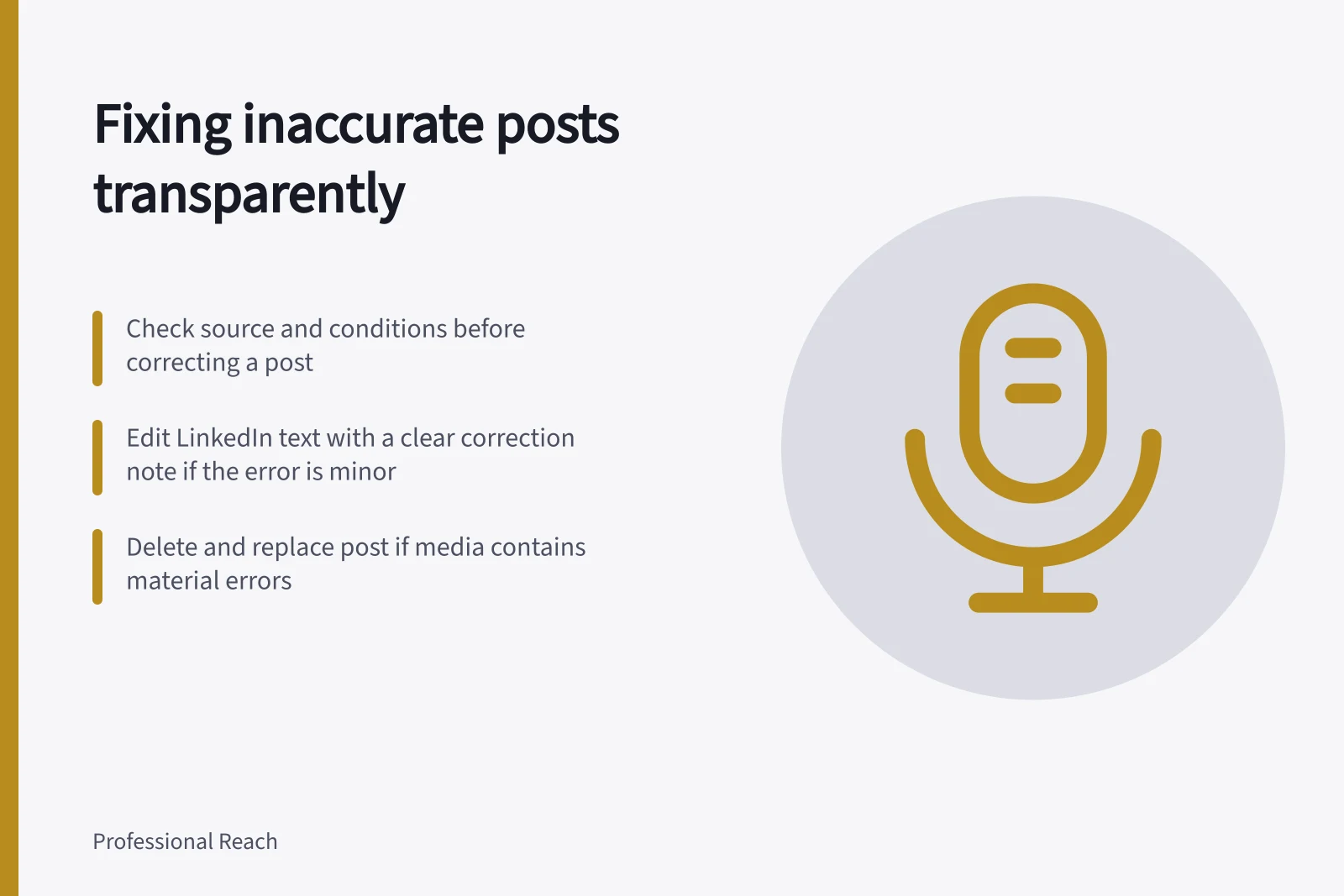
LinkedIn lets authors edit text in shared posts and marks an edited post. Only the text can be edited: shared photos, articles, documents and videos cannot be replaced through that edit. For a material text error, update the claim and add a short correction note explaining what changed.
If the error is embedded in media, a clarification in the post text leaves the incorrect media intact. Decide whether that clarification is clear enough to prevent reliance on the error. If the media itself must be fixed, LinkedIn says the route is to delete the post and create a new one. Explain the replacement so readers can understand the change.
Deleting a LinkedIn Page post cannot be undone. LinkedIn says it is permanently removed and will not be visible to followers or anyone visiting the Page, but the deleted post might still appear in other places. Keep an internal record of the original wording and correction decision before deletion. Do not assume deletion erases every copy or view.
If the inaccurate claim was in your comment, LinkedIn permits editing your own comment in its documented feed and Activity contexts and marks it as edited. Where the mistake shaped subsequent replies, add an explicit clarification in the thread.
Editing vs. Deleting a Post on LinkedIn
- Editing the Post (Pros)Keeps engagement history; shows transparency; maintains visibility of discussion thread.
- Editing the Post (Cons)Cannot update attached media (photos, videos, documents); may not be sufficient for major errors.
- Deleting and Reposting (Pros)Allows replacement of incorrect media; ensures clean, accurate content is visible.
- Deleting and Reposting (Cons)Deletes all engagement (likes, comments); cannot be undone; original post may still appear elsewhere.
Explain what changed
A correction note should identify the affected claim, state the accurate version and include any important limit. For example: “Correction: the earlier version described this step as required for every request. It applies only when the request changes an existing agreement.” This is a hypothetical example, not a real policy.
Avoid suggesting readers caused a misunderstanding when the statement was wrong. If the answer remains uncertain, say what is being checked and update the note when the review finishes. Give a date only when you can support it.
Read the revised post as a first-time reader. Is the correct point clear without reconstructing the comments? Does the note agree with the text and attached media?
Check any versions shared elsewhere under different captions. If people asked questions based on the old wording, point them to the correction.
Key Facts About LinkedIn Post Corrections
- Editing allowed on text only
- Photos, videos, documents cannot be replaced via edit.
- Post deletion is permanent
- Once deleted, a Page post cannot be recovered on LinkedIn.
- Comments can be edited
- Authors can edit their own comments in feed and Activity contexts.
- Correction notes are recommended
- Always explain changes clearly to maintain trust and transparency.