Programme Reviews
Professional social profile reviews
Review roles, claims, links and work samples so a professional social profile gives an accurate account of current work.
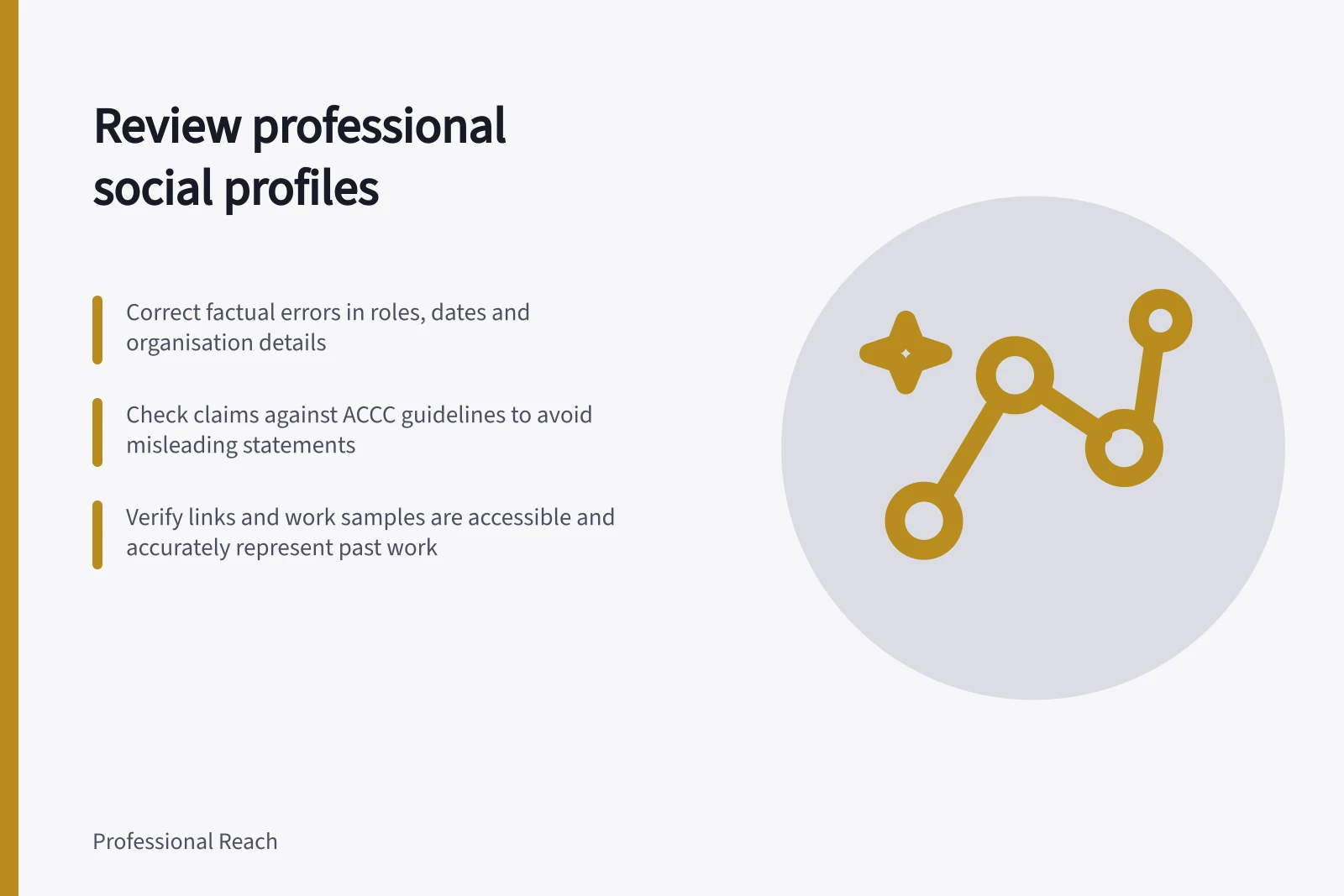
Review a professional social profile: can a visitor tell what you do now, which experience supports it, and where to examine relevant work? Correct factual errors first, then check claims, links, work samples and the combined impression.
Read the profile as a visitor
Read the headline, About, Experience and visible work samples in order. What would a visitor conclude about current work, past roles and evidence? Mark each item that gives a conflicting answer.
On LinkedIn, the introduction, About and Experience are separate sections, so review each one directly.
Keep ownership clear. A member should correct their own role and contribution. An authorised company Page owner should confirm and correct the organisation's description. A personal profile should not imply its author can make an official company commitment.
Pros and cons of using LinkedIn for professional credibility
- ProsHigh visibility to Australian employers, recruiters and industry networks; integrates with ATO and ABN data via verified profiles; supports sharing of GST-compliant work samples
- ConsRisk of misleading claims under ACCC guidelines; outdated work samples may imply ongoing service availability; privacy settings can limit access for potential clients in Australia
Triage the findings
| Check | Decision to make |
|---|---|
| Roles and dates | Do they describe genuine relationships and work actually done? |
| Organisation details | Does the current description have an authorised fact owner? |
| Claims | Can the exact wording, scope and implied result be supported? |
| Links and samples | Do they lead to accessible material that still represents the work? |
| Visibility | Can the intended visitor see the information the profile relies on? |
Record the correction and who can confirm it. If a result cannot be measured or shared, describe the verified contribution more narrowly or remove the result.
An old sample can remain as dated experience when its context is clear. It should not silently present past work as a current offer.
For Australian businesses promoting products or services, ACCC guidance covers avoiding false or misleading claims. The ACCC can require businesses to back up claims they make on social media.
The ACCC accepts reports about possible misleading claims and may investigate or take compliance or enforcement action. Reports also inform its education and enforcement work.
A report to the ACCC is not a way to resolve an individual dispute about a misleading claim. The ACCC does not provide legal advice.
Check the viewing context
Check the profile in the account's relevant visitor view. If the intended visitor needs context to understand a claim, put its essential context in profile text they can see rather than relying on a supporting item alone. Use the LinkedIn Help topic on what people can see on a profile to interpret the viewing context.
Finish with four decisions for each finding: correct, verify, retain with context or remove. Revisit the profile when a role, company description or work sample changes.
Use the right LinkedIn help topic
LinkedIn Help has guidance for editing the Introduction and About sections, managing a position in Experience, and questions about Featured items. It also has information about what people can see on a profile. Match the help topic to the section or visibility issue you are reviewing.
Treat each section as a separate correction point: check the relevant wording or setting after making a change. For Featured items, check the relevant help topic before relying on that section for essential context.
In this guide
- Reviewing LinkedIn Profile Links and Featured MaterialsReview profile links and Featured samples for working destinations, accurate context, permissions and visitor visibility.
- Removing claims that cannot be substantiatedFind unsupported profile claims, check their implied scope and decide whether to verify, narrow or remove them.
- Updating a profile after a change in professional focusUpdate a professional profile after a career shift while distinguishing current work, past experience and future direction.

