Company Pages
LinkedIn company page content
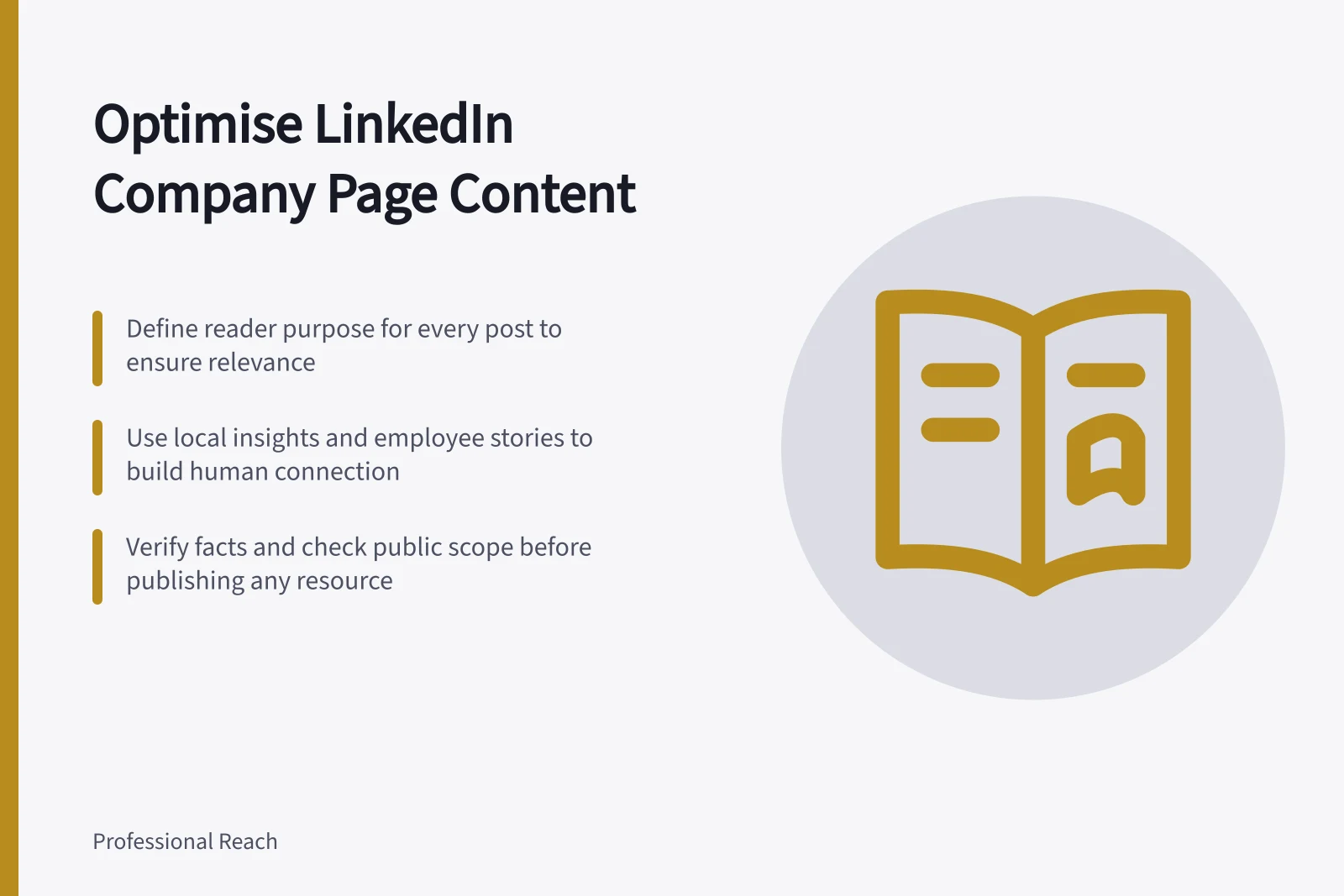
Plan LinkedIn company Page content around useful answers and clear updates, then review each post against the reader need it serves.
Plan LinkedIn company Page content around questions the organisation can answer and updates its audience needs to know. Give each post a clear reader purpose, check its claims, then use relevant responses to decide what to explain next.
Set the Page’s editorial brief
Name the people the Page serves, the decisions they make, and the subjects the organisation can explain credibly. Define what needs a specialist answer or a private conversation. The brief gives editors grounds to accept or decline a proposed post.
A hypothetical equipment supplier, for example, could explain what information a facilities team needs before requesting a specification, and separately announce a change to its support process. Both subjects may belong on its Page, but they answer different reader needs. A question heard once can suggest a post; it does not establish an industry trend.
Build a varied content mix
A useful mix can include local insights, case studies, founder stories and employee perspectives. They give editors distinct ways to show the organisation’s expertise and the people behind its work, rather than company announcements alone.
Some posts can show the organisation’s work in a local setting. A behind-the-scenes video from a Melbourne headquarters or a mention of a regional partner can make a Page feel more human and connected to its work in Australia.
People, perks and pathways can form another strand when the organisation wants to show what it is like to work there. This content can help readers understand its working environment and career opportunities, alongside posts that explain its services or industry perspective.
A practical resource can give a post a tangible purpose: a worksheet, template or standard operating procedure readers can use in their own work. It contributes something different from an update or an interpretation of industry information. The resource still needs an appropriate public scope and a named internal verifier before publication.
Give each post a job
| Post | Reader purpose | Check before publishing |
|---|---|---|
| Explanation | Clarify a decision, step or condition. | Is the answer accurate within its stated scope? |
| Company update | Explain what changed and whom it affects. | Are the timing, availability and commitments confirmed? |
| Industry observation | Offer an interpretation of current information. | Does the evidence support it, and are its limits clear? |
| Follow-up answer | Resolve a question left by earlier content. | Can the answer be given publicly? |
Choose a presentation that makes the answer clear. A concise explanation may suit a simple question; a sequence may make a more involved answer easier to follow. Decide whether the subject merits a post before considering its presentation.
Match the mix to reader questions
People in Australia use LinkedIn to research vendors, check up on employers and explore industry ideas. A Page can plan a local case study for readers assessing a vendor, a people-focused post for those checking an employer, and an industry perspective for readers exploring a topic.
Thought leadership is one possible content strand when the organisation has a substantiated perspective to share. The supplied figures report that 73% of B2B decision-makers use thought leadership to evaluate a brand’s credibility. Accuracy and clear limits are especially important when editors decide whether an observation is ready to publish.
Keep the publishing process workable
For each proposed post, record its reader purpose, the facts it relies on, who can verify them and its publication status. Keep proposed copy in the organisation’s approved content workflow until an authorised editor checks it. Recheck time-sensitive details before publication, including scheduled content.
Leave room for necessary updates and new questions; do not treat every question as an immediate public statement. After publishing, read relevant comments for missing conditions or unclear wording. Answer as the Page only when the organisation can stand behind the response. Correct a material error where readers can see the clarification.
At each planning check-in, list upcoming items by content strand and flag gaps or deadlines that need attention.
Review what the Page is helping readers do
Use LinkedIn’s Page content analytics as one input when reviewing posts. Record the reporting view and any paid distribution you know about when comparing results. Do not treat a platform measure as proof of reader understanding or intent.
Compare a post with its purpose. Did an explanation prompt a specific follow-up? Did an update leave affected readers unsure what changed? Those observations can guide a revision or another answer.
Silence does not prove a post was useless, and a reaction does not prove understanding or buying intent.
In this guide
- Planning content around customer and industry questionsCapture customer and industry questions with their context, verify an answer and turn suitable questions into useful LinkedIn Page posts.
- Balancing company updates with useful expertiseGive company news a clear reader consequence and expertise a real question to answer. Use these checks to plan a useful LinkedIn Page mix.
- Choosing a sustainable LinkedIn company Page posting rhythmSet a LinkedIn company Page posting rhythm around useful material, review capacity and reader responses, then adjust it for a clear reason.