Thought Leadership
Professional video and document posts
Choose video, document or text for a professional explanation, then check captions, file accessibility and the reader experience.
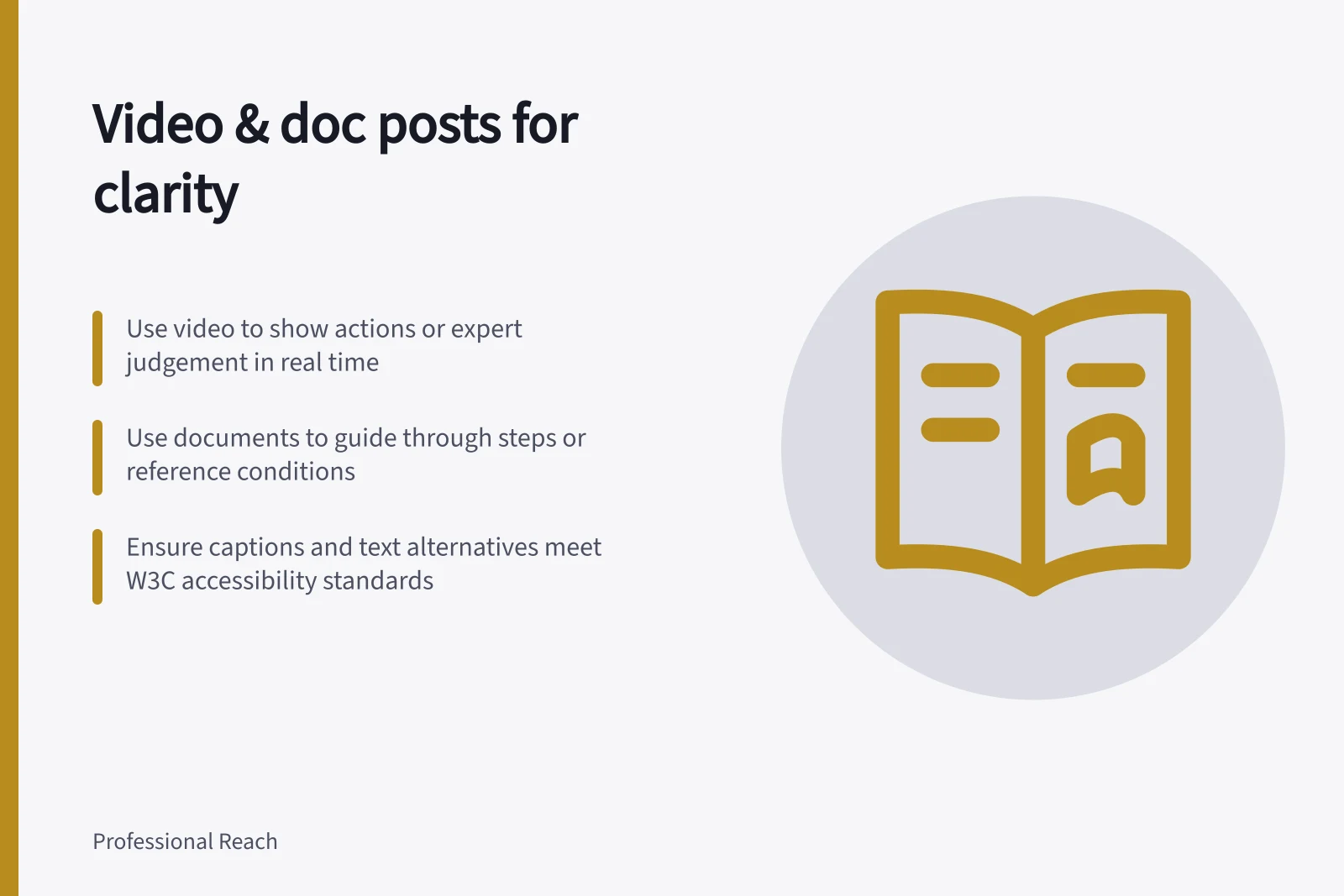
Use video when watching an action or hearing an expert explain a judgement helps the reader understand it. Use a document post when readers need to follow stages or return to a reference. If a few sentences give the complete answer, a text post may serve them better.
Start with the reader’s task
Draft the answer before making the asset. What must the reader understand or decide, and which part would be difficult to convey in text alone? A video can show a practitioner identifying a feature; a document can keep a process’s steps and conditions in order.
For example, a supplier handover document could distinguish what to check before, during and after approval. A video could show a specialist explaining how to recognise an exception.
| Reader needs to… | Consider… | Check |
|---|---|---|
| Understand one distinction | Text | Is the answer complete without an asset? |
| See an action or hear a judgement explained | Video | Is the important visual detail also explained in speech or text? |
| Follow stages or revisit conditions | Document | Does each page help, and is the file usable beyond its preview? |
Check the audience and the work involved
business.gov.au recommends considering whether the intended audience uses a platform, and suggests market research to find where customers are active. For a LinkedIn post, use that audience knowledge to test whether the reader is more likely to need a demonstration or a reference they can revisit.
business.gov.au lists goals such as gaining new customers, communicating with existing customers, positioning a business as an expert, or promoting a brand to a new market. A business or marketing plan can help clarify the goal.
Allow for the ongoing work involved in creating and managing social content. business.gov.au advises choosing a number of channels that can be managed realistically, noting that using one or two well is better than using many badly. A format that demands more production effort than the team can sustain may not be the right choice.
Key recommendations from Australian business resources
- Platform choice based on audience researchbusiness.gov.au recommends identifying where customers are active
- Recommended number of channelsOne or two well-managed channels are better than many poorly managed ones
- Content goalsGaining new customers, communicating with existing customers, positioning as an expert, promoting to new markets
- Production effort considerationChoose formats sustainable for your team’s capacity
Prepare video for different ways of viewing
Keep an expert video focused on one question. Identify it early, show the detail needed to answer it, and state the condition that changes the advice. Name important screen items or actions aloud rather than relying on a gesture.
Plan captions for the final audio. Check names, technical terms and numbers against it before publishing.
Captions convey speech and meaningful sound; they do not explain an important visual action that the audio leaves unstated. Review whether someone can understand the spoken point without sound and the visual point without sight.
Add description in the audio or a text alternative where it is needed.
Treat accessibility as part of video readiness
The W3C’s Web Content Accessibility Guidelines 2.2 Success Criterion 1.2.2 is a Level A criterion: prerecorded audio in synchronised media needs synchronised captions, except when the media is a clearly labelled alternative for text. Captions can also identify who is speaking and convey meaningful non-speech sounds, such as music or sound effects.
For visual information that the audio does not convey, the W3C describes two approaches in Success Criterion 1.2.3: audio description or a text alternative for the time-based media. Audio description can add information during dialogue pauses; a text alternative can give a fuller account without being limited to those pauses.
A text alternative can describe visual context, actions, expressions and on-screen text, as well as non-speech sounds and dialogue. Keeping descriptions and dialogue in the same sequence as the video helps readers follow how the information unfolds.
Accessibility requirements for video content
- Synchronised captions must be provided for prerecorded audio in media (WCAG 2.2 Success Criterion 1.2.2)Yes
- Captions should identify who is speaking and convey meaningful non-speech soundsYes
- Audio description or text alternative needed for visual information not conveyed by audio (WCAG 2.2 Success Criterion 1.2.3)Yes
- Descriptions should match the sequence of the video for clarityYes
Prepare documents for reading and reuse
Give a document a descriptive title and put its purpose on the first page. Keep the explanation concise, and review the file at phone size as well as at full size.
Check the posted and downloadable versions when available; do not assume the export or LinkedIn’s conversion preserves the source file’s reading order. A PDF’s visible page order alone does not establish that a screen reader can follow it.
Check dates, diagrams and conditions before upload. If an error is found later, decide whether a visible clarification is enough or readers need a corrected file.
Review the contribution as one piece
The post text should identify the question without repeating every page or spoken line. Check that the asset answers the question posed in the post text.
Reactions, views and opens show activity, not comprehension. Specific questions and corrections offer better clues about what needs clarifying.
In this guide
- Choosing a document post for a step-by-step explanationDecide when a document post helps readers follow a process, give each page a purpose and check the file they can download.
- Creating captions for a short LinkedIn expert videoPrepare and check captions for a short LinkedIn expert video, including SRT files and the limits of automatic caption review.
- Making shared slides readable and accessible on a phoneMake LinkedIn document slides easier to read on a phone by simplifying each page and checking contrast, reading order and the shared PDF.
- Matching the format to the information rather than a trendAssess a proposed text, video or document post by the information it adds for readers, its accessibility and its upkeep.