Thought Leadership
LinkedIn newsletters and long-form content
Choose between LinkedIn posts, articles and newsletters, plan a useful series, and assess readership without confusing subscribers with readers.
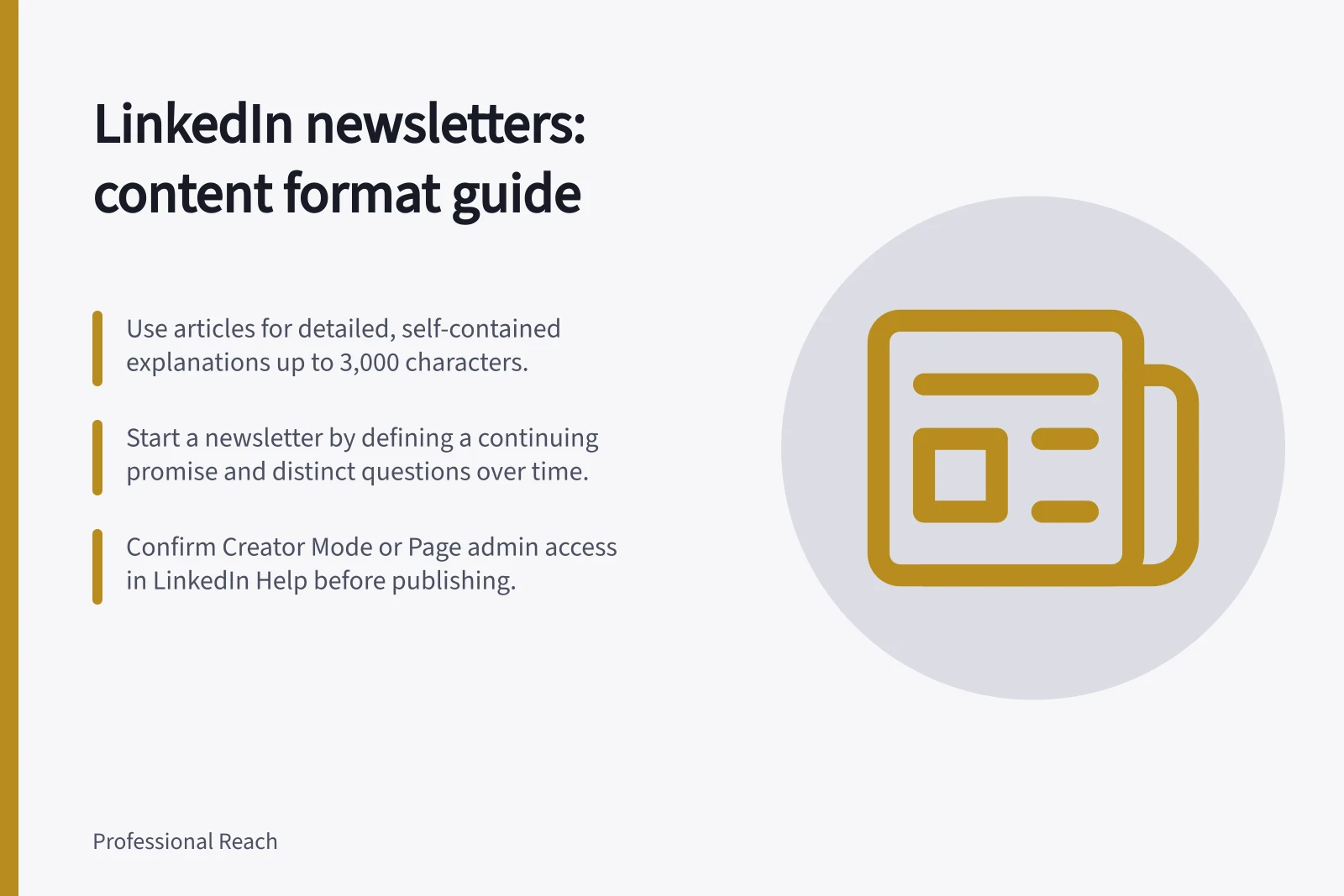
Use a LinkedIn post for one standalone point or focused question; posts have a 3,000-character limit. Choose an article when one subject needs a fuller, self-contained explanation, and a newsletter when related articles answer distinct questions over time. Decide by what the reader needs to understand, not by a target word count.
Choose the format
A LinkedIn post can make one observation or ask a focused question. An article can work through a decision, an example and its qualifications without committing to a series; it supports rich formatting and can appear in LinkedIn and Google search. A newsletter groups recurring articles under a continuing topic, with subscriber email and in-app notifications for new editions.
Test a newsletter by stating its continuing promise and naming several distinct questions within it. If one article answers the whole promise, start with that article. A series needs a reason for readers to return beyond more words on the same subject.
Check the publishing account
Before setting a launch date, drafting or scheduling, check LinkedIn Help for current publishing options and account eligibility. The pages titled “Write and publish articles on LinkedIn” and “Difference between posts, articles, reposts, and newsletters” cover the relevant formats.
To start a newsletter, the described route is to choose “Write article” at the top of the feed, then “Manage” and “Create newsletter”. LinkedIn’s interface can change, so confirm the current route before planning around it.
Newsletter creation may require Creator Mode on a personal profile or admin access to a Page; confirm current eligibility in LinkedIn Help. Draft in the article editor, seek a second opinion and feedback, then publish or schedule the article.
Make each edition useful on its own
Give an edition a specific question and answer it early. Then explain the conditions that change the answer, show a relevant example where useful, and state the advice’s limits. The newsletter title should describe the enduring theme; the edition headline should name its particular question.
The feed introduction has a smaller job: tell readers what decision or problem the edition addresses. It need not repeat the article. Keep any headline and description accurate to the published content.
Give readers a reason to return
Write a one-sentence promise in this form: “This newsletter helps [reader] understand [continuing topic].” Map the distinct questions raised by that promise, giving each edition one question, its answer, the conditions that change the answer, and any useful example or limits.
Keep a record of questions already answered and those still worth examining. A later edition can briefly connect to an earlier one while giving enough context for a first-time reader. If the series changes direction, make its new boundary clear rather than placing unrelated subjects under the original promise.
Choose a publishing frequency the work can support. A regular schedule can help readers know what to expect, but there is no universal ideal. A schedule does not justify an edition without a useful answer.
Judge attention carefully
Record each edition’s impressions or views, and the newsletter’s subscriber count. Impressions and views signal attention, while subscribers show sign-ups; none proves that someone read the full article or returned across issues.
Compare editions over the same post-publication period and note changes in topic or distribution. Comments and direct feedback can show what readers want next, but only from those who chose to respond. These signals cannot establish a verified repeat-reader count.
In this guide
- Choosing a recurring newsletter questionFind a professional question with enough depth for a useful LinkedIn newsletter series, then test its audience, boundaries and sustainability.
- Separating a newsletter edition from a short postDecide when a topic needs a complete LinkedIn newsletter edition, when one short post is enough, and how their roles can work together.
- Building continuity between newsletter issuesConnect LinkedIn newsletter issues through a clear series promise, useful context and distinct decisions without making new readers start at issue one.
- Measuring repeat readership rather than subscriber totals aloneUse LinkedIn newsletter views, sends and reader responses to assess continuing interest while respecting the limits of aggregate analytics.