Content Operations
Part of Measuring organic professional social activity
Impressions versus useful audience responses
Understand what LinkedIn impressions show and assess comments, saves and enquiries against the purpose of an organic post.
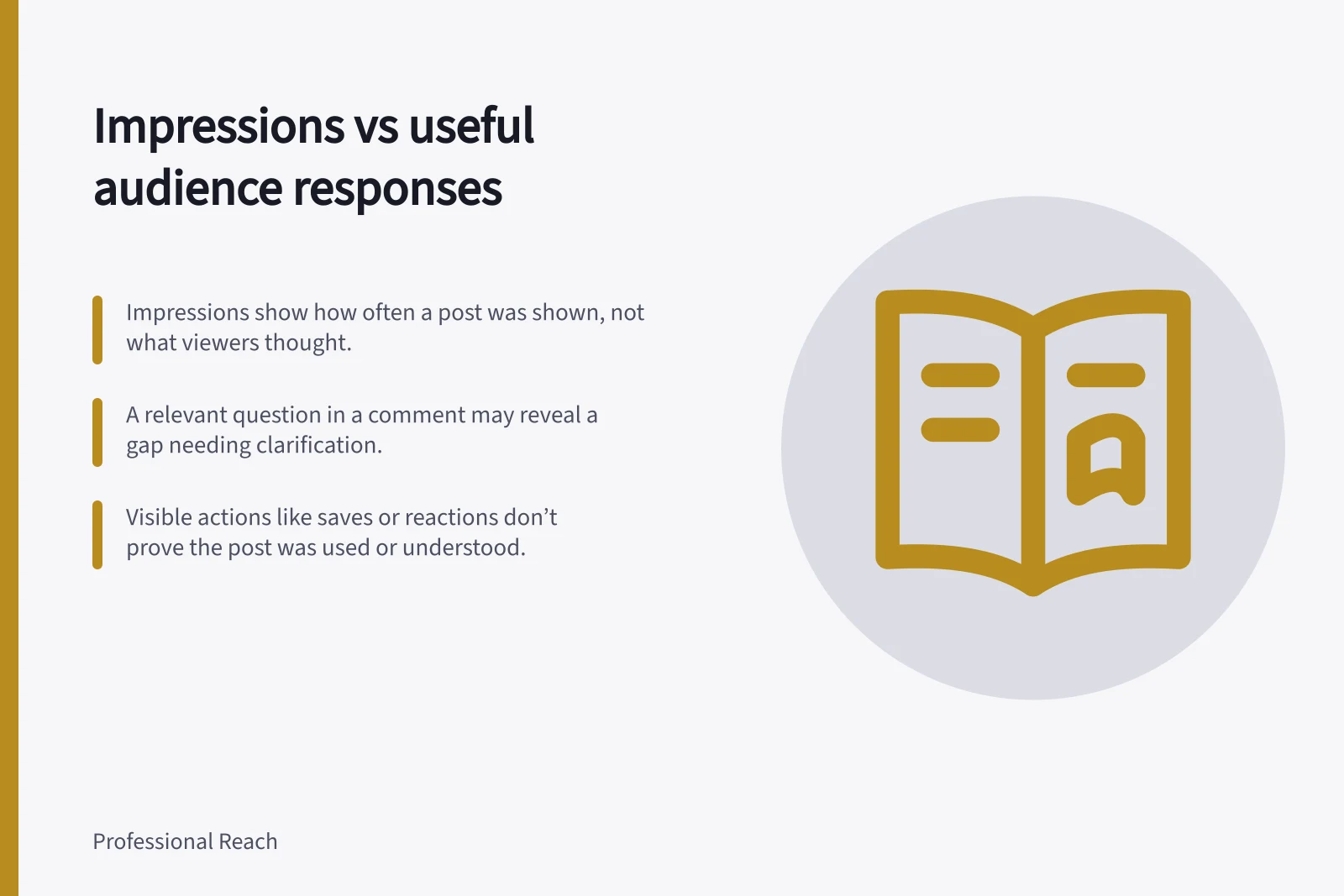
Impressions estimate how often a post was shown. A useful audience response gives you information relevant to what the post aimed to explain or invite. Read both, but neither proves understanding or buying intent.
Use impressions as distribution context
Treat the impression figure as distribution context, not evidence of what viewers thought or did.
Record the post date, publishing identity, topic and period used for the figures. Note whether paid distribution was used so you can interpret the figure in context.
Low impressions can mean few people had a chance to respond; they do not establish that the explanation was poor. High impressions do not establish that the intended audience found it useful.
Impressions vs. Useful Audience Responses: What They Reveal
- ImpressionsIndicates how often a post was shown, not what viewers thought or did.
- Useful Audience ResponseShows relevance to the post’s purpose—e.g., a question clarifying an exception or a contact seeking confirmation.
Judge responses against the post’s purpose
Whether a response is useful depends on the question the post addressed. For a technical explanation, a relevant question about an exception may show what needs clarifying. For a process update, a question about who is affected may expose a missing detail. An enquiry needs to be checked against the matter the post discussed.
| Visible action | What you can observe | Limit |
|---|---|---|
| Reaction | Someone used a reaction. | Their reason is unknown. |
| Save or repost | Someone retained or shared the post. | It does not show that they used its advice. |
| Specific comment | A question, correction or qualification to examine. | Silent readers may see it differently. |
| Relevant enquiry | A contact the organisation can check. | The post may not be the sole reason for contact. |
Treat visible actions as observations to review, not as proof that a response was useful for your purpose.
Interpreting Visible Actions on LinkedIn Posts
- Pros (What you can observe)Reaction: someone engaged; Save/Repost: content was retained or shared; Specific comment: provides insight into understanding; Relevant enquiry: may indicate a need for clarification.
- Cons (Limitations)Reaction: reason unknown; Save/Repost: no proof of use; Specific comment: silent readers may differ; Enquiry: post may not be sole influence.
Read the words, not just the count
Note what a comment asks or adds. A public job title may offer context, but it cannot establish the commenter’s task or motive. If only a few people respond, describe those individual responses rather than presenting a trend.
For example, a hypothetical post about supplier handovers could prompt a question about temporary exceptions. That question may justify a clearer explanation. It does not show that every operations team faces the same problem.
Look for independently raised questions across comparable posts before drawing a broader editorial conclusion. The immediate decision is whether this post needs a clarification or follow-up, not whether its impression count was large enough.
How to Assess Post Effectiveness on LinkedIn
- Identify the post's purposeWas it a technical explanation, process update, or call to action?
- Review comments for relevanceLook for questions, corrections, or qualifications that align with the post’s intent.
- Check for independently raised issuesOnly draw broader conclusions if similar questions appear across multiple posts.
- Decide on follow-upDetermine if a clarification or additional guidance is needed—not based on impression count.