Content Operations
Part of Measuring organic professional social activity
Tracking website enquiries from organic LinkedIn content
Tag organic LinkedIn links, verify a website enquiry event and interpret GA4 session attribution against contacts actually received.
To track website enquiries associated with organic LinkedIn posts, tag links to your website, define a successful enquiry event and compare analytics with contacts actually received. Report what the analytics attributed under its rules; a tagged link does not prove that one post caused the enquiry.
Define an enquiry you can verify
Choose the action the organisation means by “enquiry”, such as a successfully received service form or booking request. Keep newsletter sign-ups and file downloads separate unless they genuinely meet that definition.
A button click is too early to count as an enquiry. GA4 enhanced measurement includes certain event types; check what your implementation actually captures.
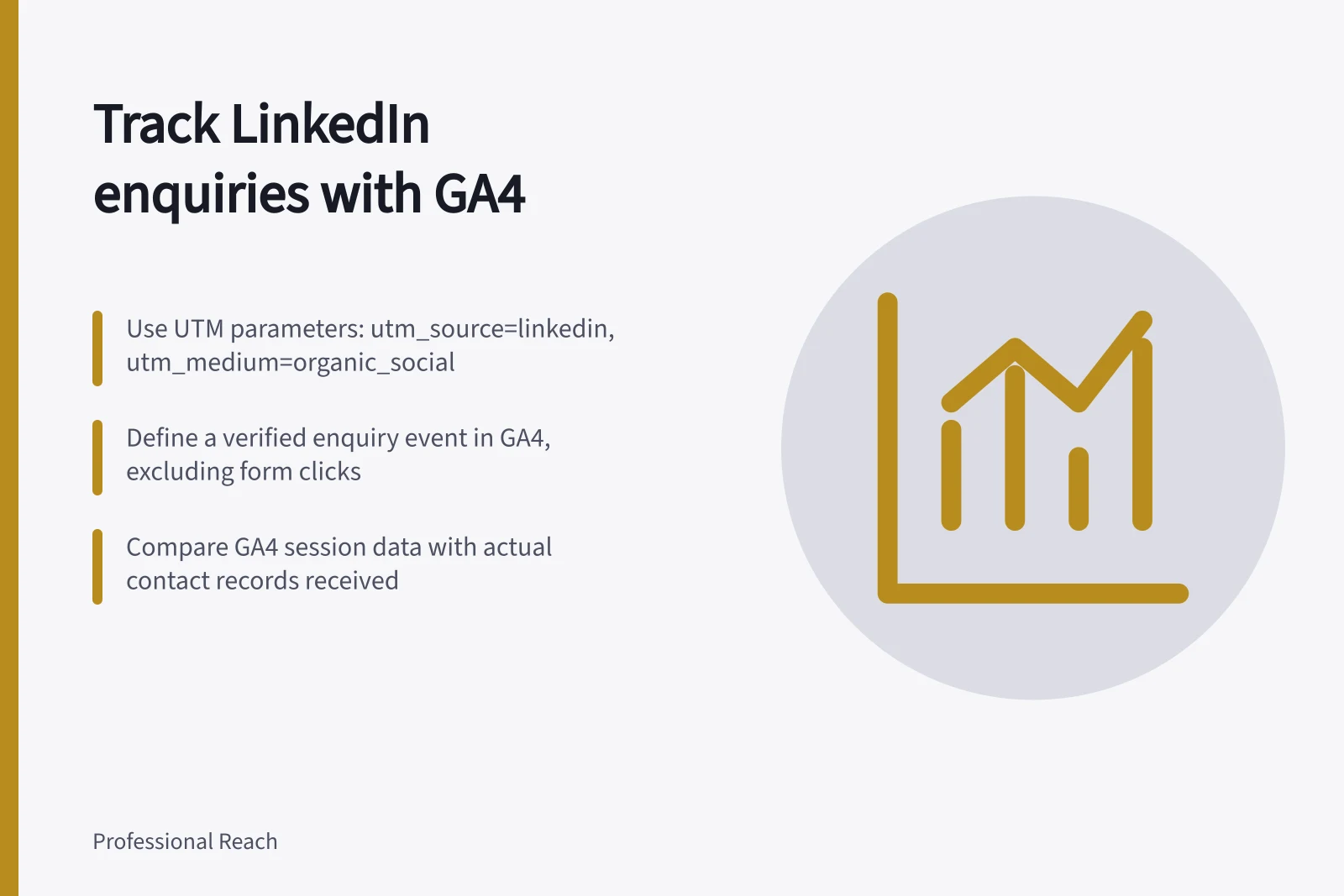
Such an event can cover any form and does not, by itself, verify successful delivery. Create a condition or event for the particular enquiry form, mark it as a key event and check the received records for failed, duplicate or test submissions.
Key metrics to track for LinkedIn-driven enquiries
- Enquiry events in GA4
- Number of verified form submissions or bookings tracked as key events
- Actual contacts received
- Number of confirmed enquiries received via email, CRM or form notifications
- Attributed sessions from LinkedIn
- Total sessions from organic LinkedIn posts with UTM tags
Tag links consistently
A possible convention for organic LinkedIn links is utm_source=linkedin, utm_medium=organic_social, a stable subject in utm_campaign and a post identifier in utm_content. These values are a team convention; choose them consistently. Google provides a URL builder for adding campaign parameters to links.
If a Page and a member link to the same destination, distinct post identifiers can help separate their tagged traffic. Keep names, email addresses and other personal information out of URLs and campaign parameters.
Check the destination after any redirect. An absent LinkedIn label in a report is not conclusive evidence that no LinkedIn visitor arrived.
Compare the website record with received enquiries
Use GA4's Traffic acquisition report when examining session-scoped traffic sources. Select the enquiry event rather than treating all key events as enquiries. Record the dates, report dimensions and event definition used. User acquisition and Traffic acquisition are separate reports; record which one you use.
A sound implementation check confirms that the tagged link reaches the intended page, a successful enquiry produces the intended event, and the organisation receives the contact. Compare the resulting records for duplicates and relevance.
GA4 session-source reporting follows its own attribution rules. A key event shown against a LinkedIn-attributed session therefore does not necessarily mean the person clicked that post and enquired in one visit.
Describe the result as “enquiry key events in sessions GA4 attributed to tagged organic LinkedIn traffic” only when the tags and event have been checked. Explain separately how many relevant enquiries the organisation actually received.
GA4 session attribution vs. actual received enquiries
- What GA4 reports
- Sessions attributed to tagged organic LinkedIn traffic based on its own rules
- What your organisation actually received
- Confirmed contact records (e.g., completed forms, booking requests)